How to Set Up a limousine booking system WordPress
A limousine booking system WordPress setup gives you a single place to manage luxury transfers, from airport pickups to city rides. For smaller fleets, moving away from scattered WhatsApp messages and handwritten quotes can dramatically cut errors and back office time. It also helps you present a professional, branded experience to clients who expect a high level of service and seamless communication.
This guide explains why this approach matters for a luxury transfer business and how a WordPress booking plugin can handle the five step process, route display, payments and driver notifications. By the end you will know which settings to use and how to avoid common pitfalls when turning a website into a complete limousine booking platform.
Understanding the core challenges faced by limousine operators
Most luxury transfer operators juggle bookings across multiple channels, which increases the risk of double bookings, misquotes and missed reminders. Clients expect timely responses and clear pricing, but when the process is scattered across WhatsApp, phone calls and emails the customer journey becomes inconsistent. A missing live map or route data during the booking can also undermine confidence in the service.
Without a central system to manage service types, vehicle classes and driver assignments, it is common to experience delays in confirming bookings and sending proper invoices. The result is a higher cost to service each transfer and a slower path to growth. A cohesive online booking solution tailored for transfer businesses helps you present reliability and luxury through every touchpoint.
- Fragmented bookings across channels create back office complexity
- Inconsistent quotes and delayed confirmations erode client trust
- No live route display during the booking process can undermine perceived value
- Manual invoicing and messy data exports slow down finance and reporting
- Limited branding reduces the perception of professionalism
Adopt a WordPress Booking Plugin for a Luxury Transfer Service
A purpose built WordPress booking plugin makes it possible to collect bookings in a structured flow while offering essential features such as a 5 step booking form, live Google Maps route display, and Stripe payments. By consolidating service types, vehicle classes and driver assignments under one interface, you can deliver a smooth experience that mirrors the expectations of high end clients.
When selecting a plugin, look for a solution that can handle airport transfers, city rides, hourly rentals, station pickups and tour packages. It should provide automatic driver notifications, calendar sync, PDF invoices, and a branded customer experience. A WordPress plugin designed for transfers will also integrate with your existing theme via shortcode, so there is no need for a custom build. A plugin like RidePress WP can provide these capabilities and keep administration simple for smaller operators while scaling with your business.
Practical steps to implement the system
- Define your service types and vehicle classes. Create clear categories such as Economy, Business, Van and Luxury, with capacity and pricing per service.
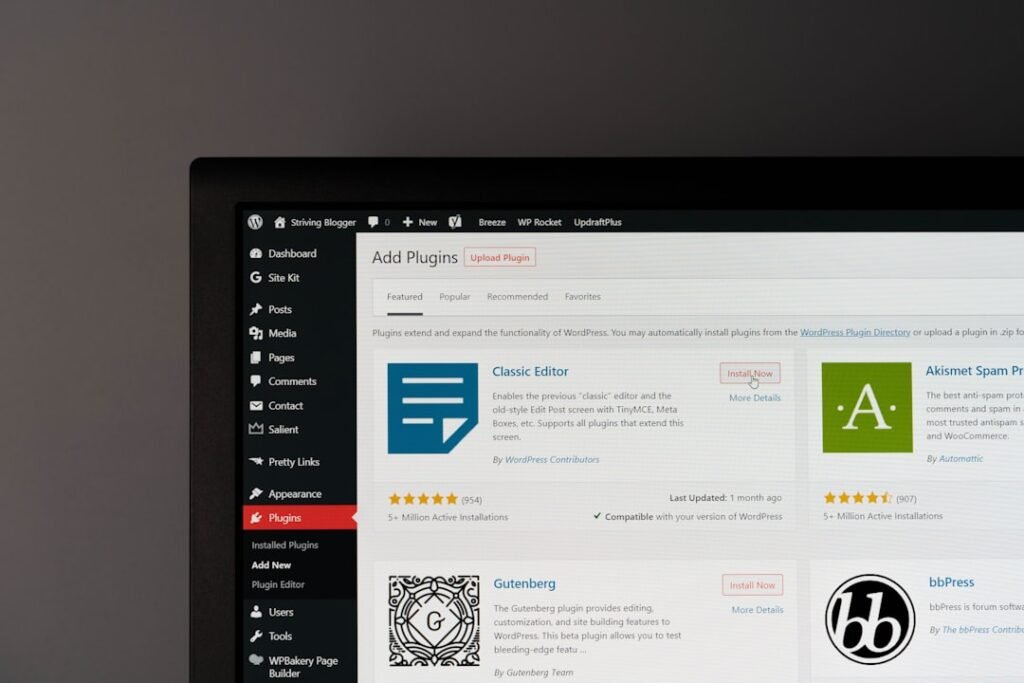
- Install and activate your chosen WordPress booking plugin. Check that it supports the five booking types, route display, and multi currency payments if required.
- Configure the 5 step booking form to include Service Type, Trip Details, Vehicle Class, Customer Info, and Stripe Payment. This ensures a consistent customer journey from first contact to payment.
- Set up Stripe payments with options for full payment or deposits, and enable multiple currencies if you operate internationally. Ensure zero markup from RidePress WP or your chosen plugin is enabled to maintain pricing integrity.
- Integrate live Google Maps for route distance and travel time within the booking flow. This helps with accurate pricing and realistic expectations for clients and drivers.
- Set up driver assignments and email notifications. Ensure drivers receive instant alerts when a booking is created or updated to maintain smooth operations.
- Configure auto generated branded PDF invoices and calendar sync. This gives clients instant receipts and helps your team manage schedules efficiently.
- Test a full booking cycle from start to finish. Validate privacy settings, payment processing, and notification templates before going live.
Once the system is in place, keep monitoring bookings, refine vehicle pricing, and adjust notifications to suit your operations. The goal is a transparent, streamlined process that reflects the luxury nature of your service.
Benefits and expected outcomes
Implementing a dedicated limousine booking system on WordPress can transform the way you operate. With a structured booking path, you create a professional image that reassures high value clients. The right plugin consolidates administration, improves route planning, and speeds up payment collection, which in turn supports better fleet utilisation and driver performance.
With the right setup you can expect a measurable improvement in client satisfaction, faster bookings and cleaner data for reporting. A well configured system also helps you scale by adding new service types or expanding to additional airports and markets without a corresponding rise in administrative overhead. For transfer operators looking to professionalise online, a solid plugin solution is a practical step forward.
- Professional, branded customer experience
- Centralised bookings with fewer errors
- Automated invoices and receipts
- Live maps and route data during the booking process
Common objections and mistakes to avoid
One common concern is cost. A one time plugin purchase, especially when compared with ongoing SaaS fees, can be appealing for small operators. Focus on total cost of ownership and the value of a scalable system that reduces admin time, strengthens branding and improves delivery consistency.
Another mistake is rushing the setup. Take the time to map service types, vehicle classes and standard pricing before going live. A rushed configuration can lead to misquoting or inconsistent booking experiences. If you are unsure, start with a core set of services and expand gradually, keeping the customer journey simple and reliable.
Frequently Asked Questions
How do I set up limousine bookings on WordPress?
Choose a dedicated booking plugin compatible with WordPress, install it, and configure service types, vehicle classes and a 5 step booking form. Enable route display and payments, then test end to end before taking live bookings.
Can a plugin take deposits as well as full payments?
Yes. Most advanced booking plugins support deposits and full payments. You can set deposit percentages or fixed amounts per service and use Stripe to secure payments securely.
Does the plugin support multiple vehicles and routes?
Yes. A good plugin will manage several vehicle classes, capacities and per service pricing. It should also display live route distance and travel time during booking to improve accuracy and transparency.
Is Google Maps integration available during booking?
Google Maps integration is typically standard in modern limousine booking plugins. It provides route distance, ETA and even traffic awareness, enhancing the customer experience and aiding driver planning.
How do I export invoices and sync with calendars?
Invoices are usually auto generated as branded PDFs and emailed on confirmation. Calendar sync often uses iCal or Google Calendar integration so drivers and schedulers stay aligned with bookings.
Conclusion
In a nutshell, setting up a limousine booking system WordPress is a practical way to modernise a luxury transfer operation. A robust plugin consolidates bookings, payments and communications into one secure platform, while supporting professional branding and scalable growth. With careful configuration and testing, your website can handle requests with the same level of precision clients expect from your chauffeurs, giving you a solid foundation for future expansion.
By choosing the right WordPress plugin and aligning pricing, vehicle classes and notifications with your business goals, you can deliver a premium booking experience that matches the quality of the service you provide. A well implemented system reduces admin overhead, enhances client trust and makes growth achievable without a heavy ongoing subscription model.